Veepeak Mini WiFi OBD II Scanner Adapter
Have you ever wanted to diagnose your car’s check engine light issues without having to visit a mechanic?
Well, the Veepeak Mini WiFi OBD II Scanner Adapter could be the solution you’ve been looking for. Keep reading to find out all about this handy little device that connects to your phone or tablet to help you understand and fix simple car problems.

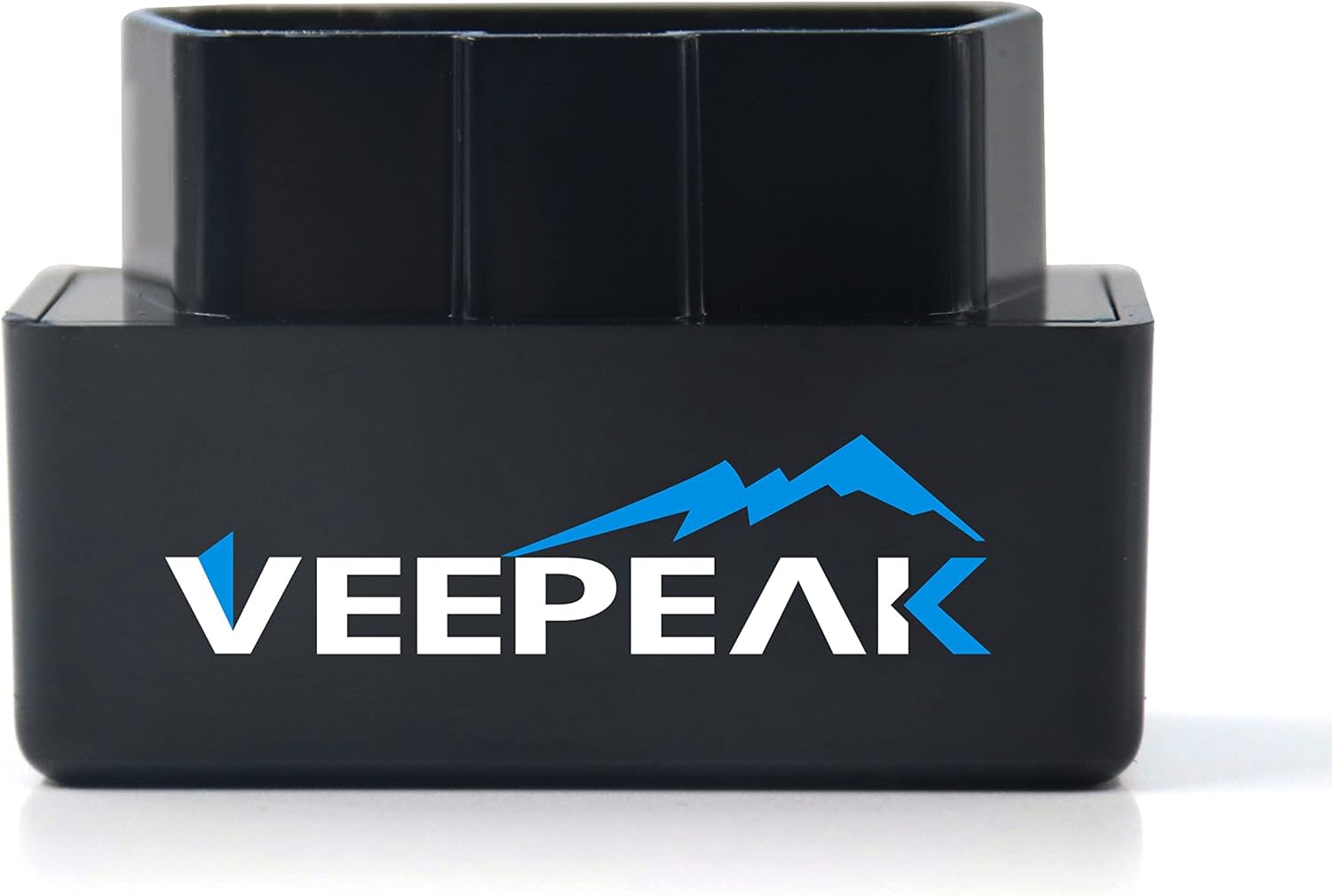
Overview of the Veepeak Mini WiFi OBD II Scanner Adapter
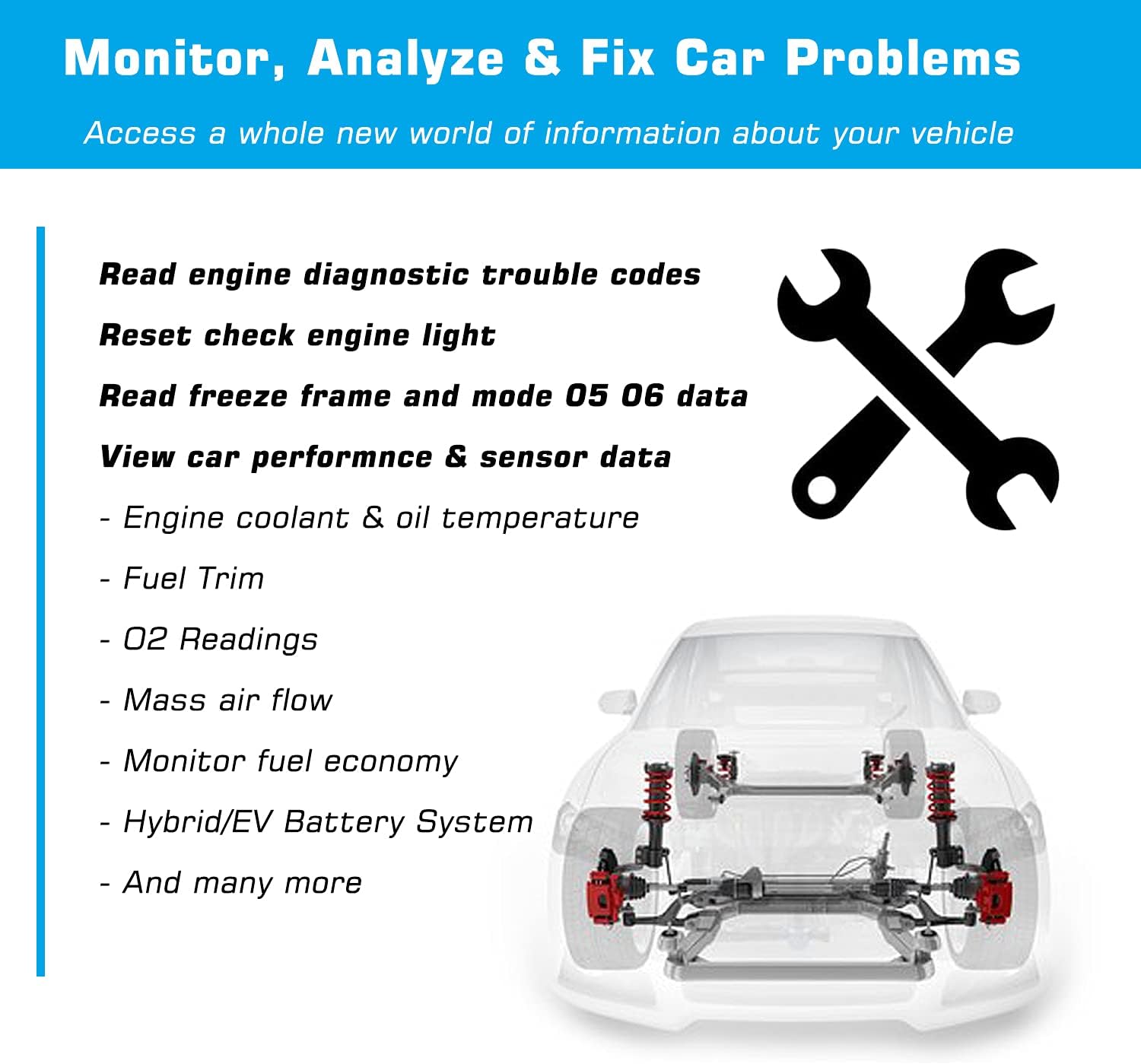
This OBD II Scanner Adapter allows you to read and clear engine diagnostic trouble codes, view freeze frame data, and check your car’s I/M readiness using a third-party OBD App on your iOS or Android device.
It provides real-time data on various car sensors like speed, RPM, engine coolant and oil temperature, O2 readings, throttle position, fuel trim, and more. The adapter is compatible with cars and light trucks made since model year 1996 in the US and since 1998 in Canada for generic OBD II functions.
Compatible Protocols and Vehicles
The Veepeak Mini WiFi OBD II Scanner Adapter supports the five OBD-II protocols: CAN, KWP2000, ISO9141-2, J1850 VPW, and J1850 PWM. It works with a wide range of cars and light trucks, but please note that it does not support ABS, SRS, body control, TPMS functions, nor can it reset oil service lights.
Additionally, some manufacturer-specific PIDs like transmission temperature may not be supported by this adapter.
Third-Party App Compatibility
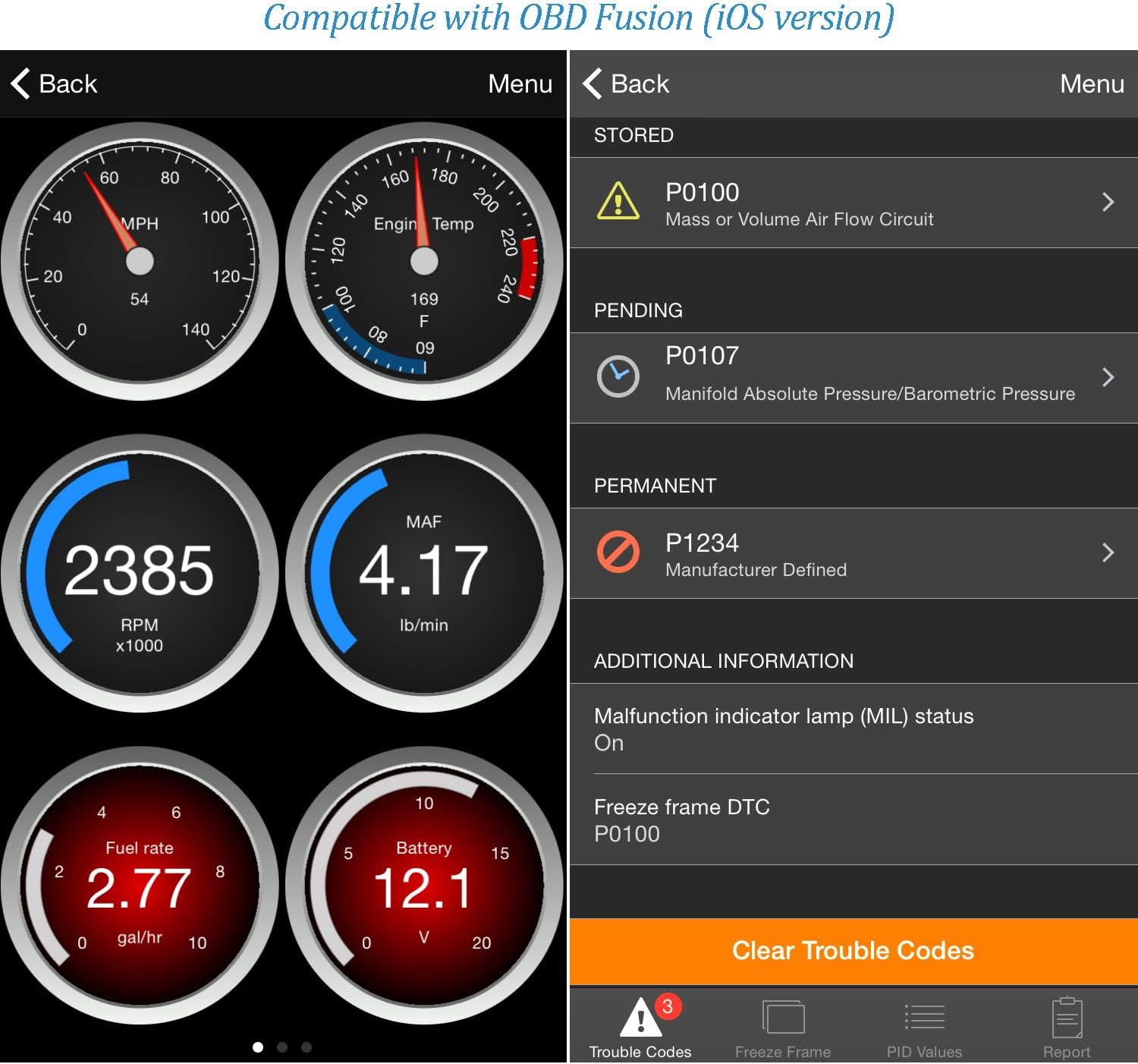
To use the Veepeak Mini WiFi OBD II Scanner Adapter, you’ll need to download a third-party OBD App (not included). It is compatible with OBD Fusion, Car Scanner ELM OBD2, FourStroke, Infocar, and other similar apps for iOS, as well as Torque Lite/Pro, Car Scanner ELM OBD2, and Infocar for Android devices.
Make sure to check if the app you want to use is compatible with a WiFi OBD2 adapter before purchasing.
Warranty and Technical Details
The Veepeak Mini WiFi OBD II Scanner Adapter comes with a one-year replacement warranty against defects. It creates a dedicated WiFi network for your phone or tablet to connect to, but please note that this network does not have internet access. The adapter is not compatible with ENET WiFi Adapters and certain apps like BimmerCode, BimmerLink, MHD, and BimmerGeeks ProTool.

Pros and Cons of the Veepeak Mini WiFi OBD II Scanner Adapter
Here’s a breakdown of the advantages and disadvantages of using the Veepeak Mini WiFi OBD II Scanner Adapter to diagnose your car’s check engine light issues:
| Pros | Cons |
|---|---|
| Easy to use with iOS, Android, and Windows devices | Unavailable support for some specialized car systems like ABS and SRS |
| Real-time data on various car sensors | Not compatible with certain manufacturer-specific PIDs like transmission temperature |
| Compact and portable design | Some apps may require separate purchases from the App Store or Google Play Store |
| One-year replacement warranty included | Dedicated WiFi network doesn’t have internet access |
Advantages of the Veepeak Mini WiFi OBD II Scanner Adapter
One of the key benefits of the Veepeak Mini WiFi OBD II Scanner Adapter is its ease of use with a wide range of operating systems, including iOS, Android, and Windows devices. The real-time data it provides on important car sensors can help you understand and address simple car problems quickly.
Its compact and portable design makes it easy to carry around, and the one-year replacement warranty gives you peace of mind.
Disadvantages of the Veepeak Mini WiFi OBD II Scanner Adapter
While the Veepeak Mini WiFi OBD II Scanner Adapter offers many advantages, it does have some limitations. It does not support specialized car systems like ABS and SRS, and some manufacturer-specific PIDs may not be compatible with the adapter.
Additionally, certain apps required for use may come at an additional cost, and the dedicated WiFi network created by the adapter does not provide internet access.
How to Use the Veepeak Mini WiFi OBD II Scanner Adapter
Using the Veepeak Mini WiFi OBD II Scanner Adapter is a straightforward process. Here’s a step-by-step guide on how to get started with this handy device:
- Download a Third-Party OBD App Before you can use the Veepeak Mini WiFi OBD II Scanner Adapter, you’ll need to download a compatible third-party OBD App from the App Store or Google Play Store.
- Connect the Adapter to Your Vehicle Plug the adapter into your car’s OBD II port, usually located under the dashboard near the driver’s seat.
- Connect Your Phone or Tablet to the Adapter Turn on the ignition without starting the engine and connect your phone or tablet to the adapter’s WiFi network.
- Open the OBD App Launch the OBD App on your device and follow the on-screen instructions to connect to the adapter and start diagnosing your car’s issues.
- Read and Clear Codes The OBD App will allow you to read and clear engine diagnostic trouble codes, view freeze frame data, and check your car’s I/M readiness.
- View Real-Time Data You can also view real-time data on various car sensors like speed, RPM, engine coolant and oil temperature, O2 readings, throttle position, fuel trim, and more.
- Check Compatibility with the App Make sure that the OBD App you’re using is compatible with a WiFi OBD2 adapter and that it supports the features you need.
Final Thoughts on the Veepeak Mini WiFi OBD II Scanner Adapter
The Veepeak Mini WiFi OBD II Scanner Adapter is a handy tool for anyone looking to diagnose their car’s check engine light issues without the need for a mechanic. With its real-time data on various car sensors and compatibility with a wide range of vehicles, it provides valuable insights into your car’s performance.
While it does have some limitations in terms of specialized car systems and app compatibility, it offers a user-friendly experience and comes with a one-year replacement warranty for added peace of mind.
If you’re looking for a reliable and easy-to-use OBD II scanner adapter, the Veepeak Mini WiFi OBD II Scanner Adapter is definitely worth considering.