NT630 Plus OBD2 & NT301 CASE
Have You Ever Faced Issues with Your Braking System?
Handling issues with your vehicle’s braking system can be a nerve-wracking experience, especially when you can’t figure out the exact problem.
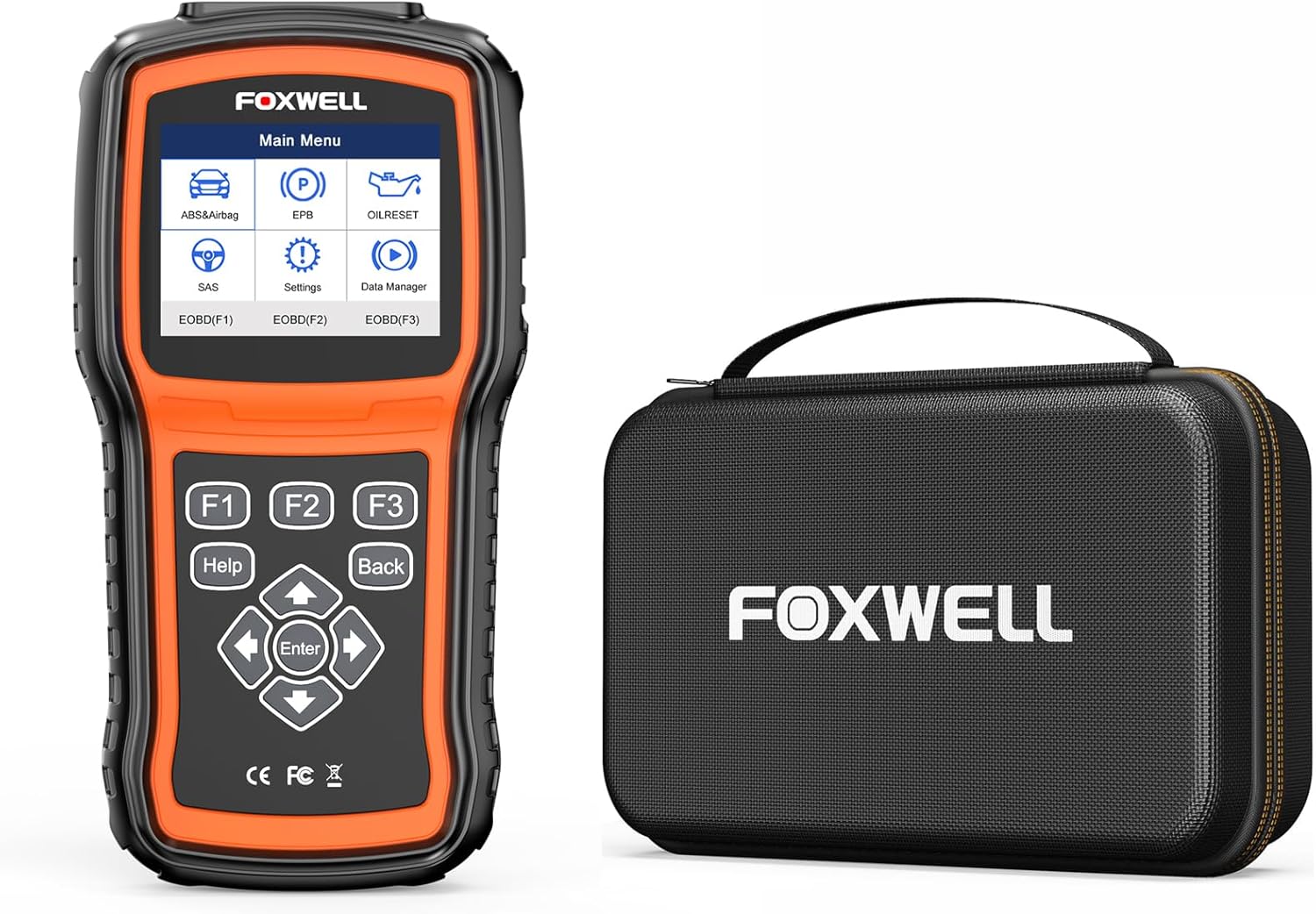
The “FOXWELL NT630 Plus OBD2 Scanner with NT301 CASE OBD2 Scanner Professional Enhanced” might be the perfect solution to your worries.
This tool is not only practical but also incredibly easy to use, making it ideal for both DIYers and professional mechanics.
What Makes FOXWELL NT630 Plus Stand Out?
From its comprehensive diagnostic capabilities to its user-friendly design, the FOXWELL NT630 Plus comes loaded with features that make it a top-notch choice for any car owner.
| Features | Details |
|---|---|
| ABS Bleeding Function | Helps to solve issues related to a slowly sinking or loosening brake pedal. |
| System Diagnostics | Diagnoses ABS, SRS, OBD2 systems with full functionality. |
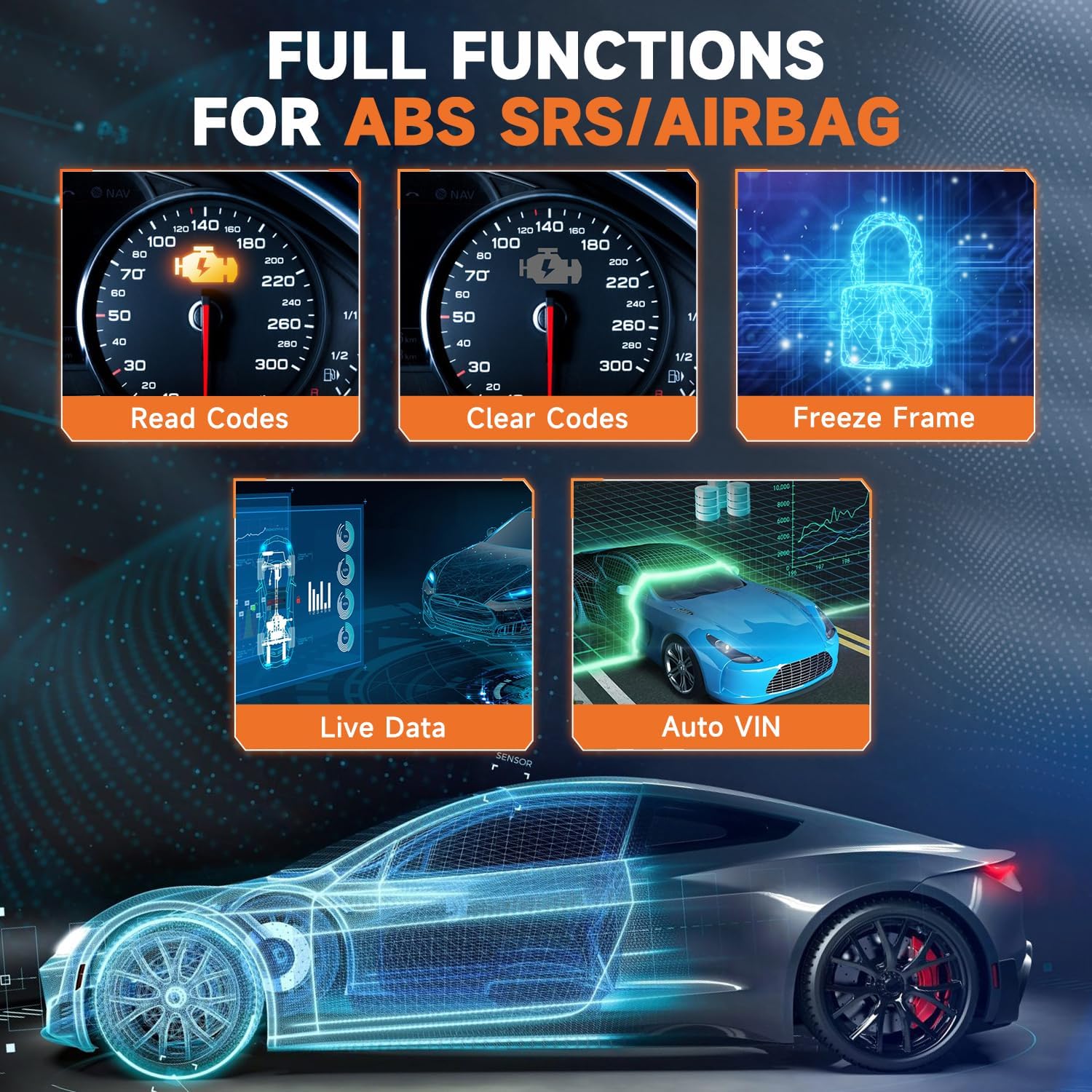
| Full OBD2 Functions | Includes reading/clearing codes, freeze frame data, live data, I/M readiness, and more. |
| Multiple Reset Capabilities | ABS/SRS/SAS/Oil/EPB resets are available for various diagnostic needs. |
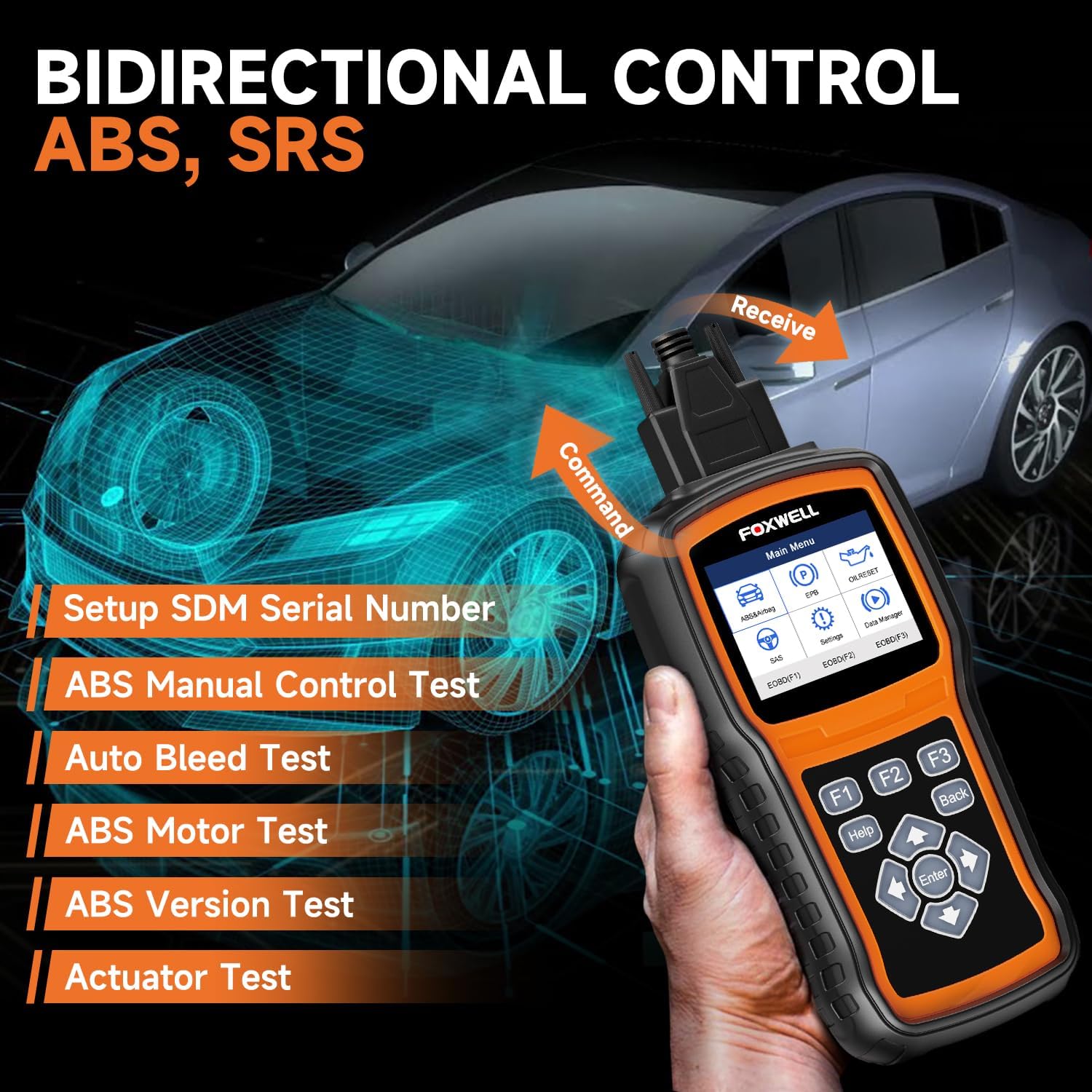
| Bi-Directional & Auto VIN Scan | Provides bi-directional control tests and auto VIN recognition. |
| OBD Scanner Protection Case | Specially designed for handheld-sized automotive OBD II scanners. |

ABS Bleeding Scan Tool
Why Do You Need the ABS Bleeding Function?
The ABS (Anti-lock Braking System) bleeding function is essential when you suspect air is trapped in your braking system. It can significantly weaken your vehicle’s braking ability and cause the brake pedal to feel loose or sink slowly.
How Does It Work?
The scanner monitors your ABS system to determine if it needs to be bled and automatically performs the bleed operation. This feature is critical for restoring the brake pedal to its normal condition, ensuring a safer driving experience.
Note: The ABS auto bleed function is compatible with a limited range of specific vehicle models.
Comprehensive Systems Diagnostic
What Can It Diagnose?
The FOXWELL NT630 Plus is more than just an ABS tool. It provides comprehensive diagnostics for the ABS, SRS (Supplemental Restraint System), and full OBD2 systems. This means you can read and clear trouble codes, view airbag module data, live data streams, and even reset indicator lights.
Full OBD2 Functions
Your diagnostic needs are complete with functions like reading and clearing codes, viewing freeze frame data, live data streams, I/M readiness checks, onboard monitor tests, component tests, vehicle information, and more. This versatile tool supports you in keeping your vehicle in prime condition.

Update Resets and Enhanced Features
Multiple Resets
The NT630 Plus goes above and beyond with multiple reset features. It includes:
- ABS Bleed/SRS/SAS Reset: Essential for ABS bleeding, SRS airbag light troubleshooting, and steering wheel calibration.
- Oil Reset: Reset the time and mileage after an oil change.
- EPB Reset: Useful after replacing the brake pads.
Easy Software Updates
With the ability to update the scanner’s software for free, you’ll always be equipped with the latest features and diagnostic capabilities. This includes recent additions like the Oil Reset and EPB Reset, adding even more value to the tool.
Bi-Directional and Auto VIN Scan
Bi-Directional Testing
The bi-directional capability is one of the standout features of this scanner. It allows for active tests on the ABS and SRS/airbag systems, including ABS motor and actuator tests. This active control helps you pinpoint issues precisely.
Auto VIN Recognition
For added convenience, the scanner can automatically recognize your vehicle’s VIN. While some models may not support this feature, you can always manually input the VIN. This ensures you get accurate, vehicle-specific diagnostic information.
OBD Scanner Protection Case
Why You Need the NT301 Case
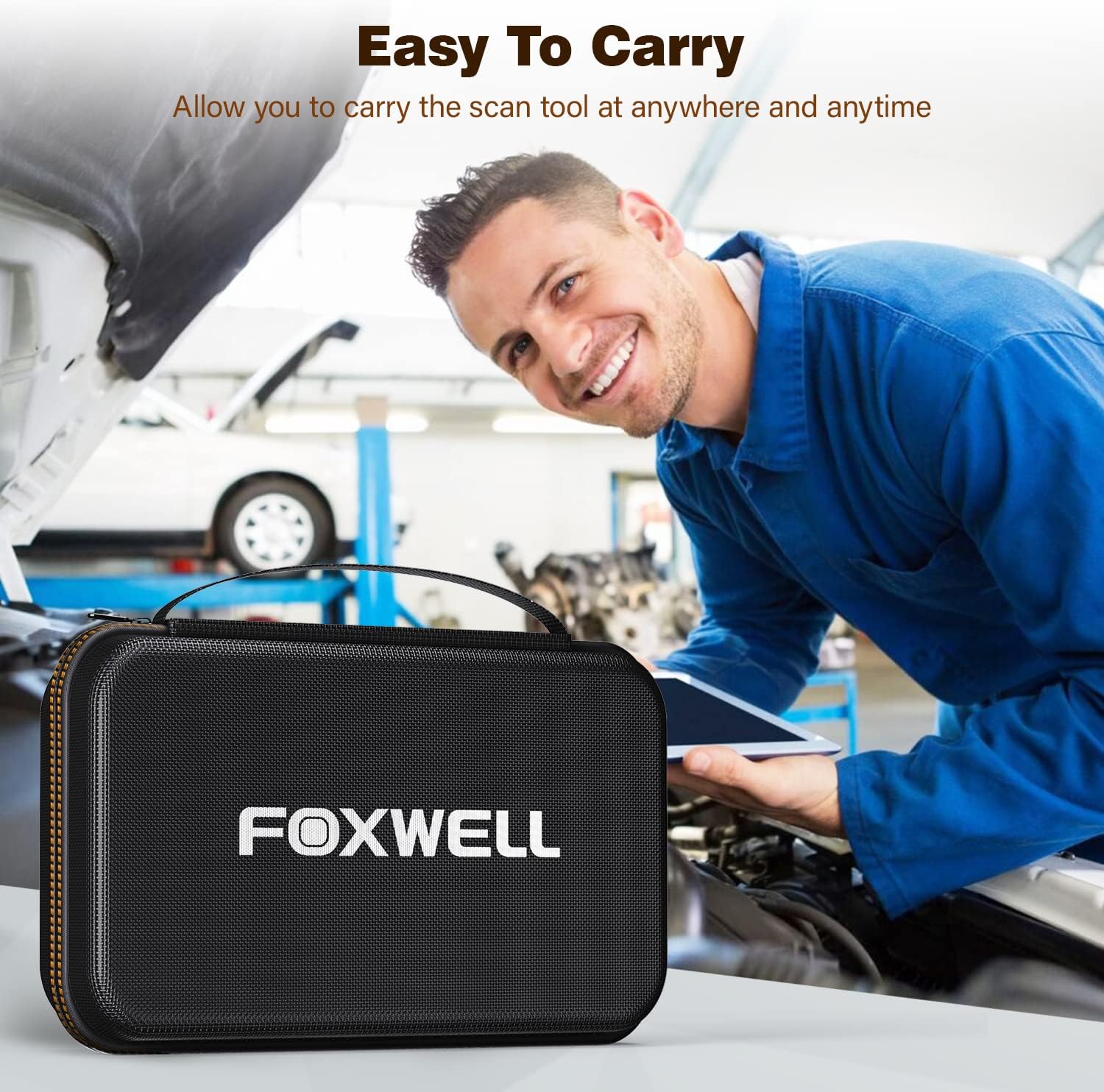
A good tool deserves good protection. The small carrying case included is specially designed for handheld-sized automotive OBD II scanners. While it’s perfect for the NT301, NT510 Elite, NT201, and other Foxwell diagnostic tools, it also accommodates Foxwell BT100 Battery Tester and Wifi Endoscopes.
Benefits of the Carrying Case
Made with high-quality materials, it ensures that your scanner is protected from dust, shocks, and even minor drops. With an inner size of 7.9 x 5.5 x 2.4 inches, it’s portable and easy to carry around, making sure your diagnostic tools remain in top condition.
Who Should Consider FOXWELL NT630 Plus?
For the DIY Enthusiast
If you love working on your vehicle and resolving issues yourself, this scanner is your ideal companion. Its ease of use and the convenience of multiple diagnostic functions make it a must-have for any DIYer.
For the Professional Mechanic
Even for seasoned mechanics, the breadth of features offered by the FOXWELL NT630 Plus makes it a valuable addition to your toolkit. The ability to run comprehensive diagnostics, reset systems, and perform bi-directional tests will streamline your workflow and enhance your service quality.
Why Choose FOXWELL NT630 Plus?
User-Friendly Interface
The user-friendly design ensures that even beginners can use it with ease. The clear, intuitive interface allows you to navigate through different functions effortlessly.
Accurate Diagnostics
Accuracy is crucial when diagnosing vehicle issues. The FOXWELL NT630 Plus provides reliable and precise diagnostic information, helping you make well-informed decisions.
Versatility
Whether you need to diagnose ABS issues, reset the SRS system, or perform full OBD2 diagnostics, this tool does it all. Its versatility makes it suitable for a wide range of applications.
Durability
Built to last, the FOXWELL NT630 Plus is a durable tool that can withstand the rigors of daily use. Combined with the protection case, you can rest assured that your investment is well protected.
How to Use FOXWELL NT630 Plus
Step-by-Step
- Connect to Your Vehicle: Plug the scanner into your vehicle’s OBD2 port.
- Navigate the Menu: Use the intuitive interface to select the type of diagnostic you need.
- Perform Diagnostics: Run tests, read and clear codes, view live data, and more.
- Reset Systems: Utilize the reset functions as needed (ABS, SRS, Oil, EPB).
- Update Software: Regularly check for and install free updates to keep your scanner up-to-date.
Tips for Best Results
- Refer to the Manual: Always refer to the included manual for detailed instructions and compatibility notes.
- Keep it Updated: Ensure your scanner’s software is regularly updated for optimal performance.
- Use the Case: Store your scanner in the provided case to protect it when not in use.
Conclusion
The FOXWELL NT630 Plus OBD2 Scanner with NT301 CASE OBD2 Scanner Professional Enhanced is a powerful yet user-friendly tool that takes the guesswork out of vehicle diagnostics. Whether you’re dealing with ABS bleeding, SRS issues, or any other OBD2 systems, this versatile tool has got you covered.
It offers an excellent blend of comprehensive diagnostic capabilities, ease of use, and durability, making it a valuable addition to any automotive toolkit. So why wait? Equip yourself with the FOXWELL NT630 Plus and ensure your vehicle remains in top-notch condition!